Read the PDF. Go deeper without leaving it.

Turn passages into
maps of understanding.

Lensmap is not a full-document AI autopilot. Start from the passage you are actually reading, expand only the context you need, and keep what you learn as Maps that lead back to the source.

Keep using Chrome’s built-in PDF Viewer.

Chapter 4 · Consistency

Cache invalidation and coordination

Remote cache invalidation is delegated to BlueGate, which is defined later in this book.

A consistency coordinator determines when invalidation is safe to publish across remote replicas.

The mechanism depends on the ordering guarantees discussed in the following section.

p. 42
Actual Lensmap Explore UI showing a selected passage, AI-added evidence, and a grounded answer.

Focus → Expand → Map

Keep reading in the driver’s seat.

  1. 01

    Focus

    You choose what deserves attention. Start from a passage or visual region instead of asking AI to read the whole document for you.

  2. 02

    Expand

    When the selection is not enough, Lensmap can read nearby blocks, the same section, or related passages—and records what it added.

  3. 03

    Map

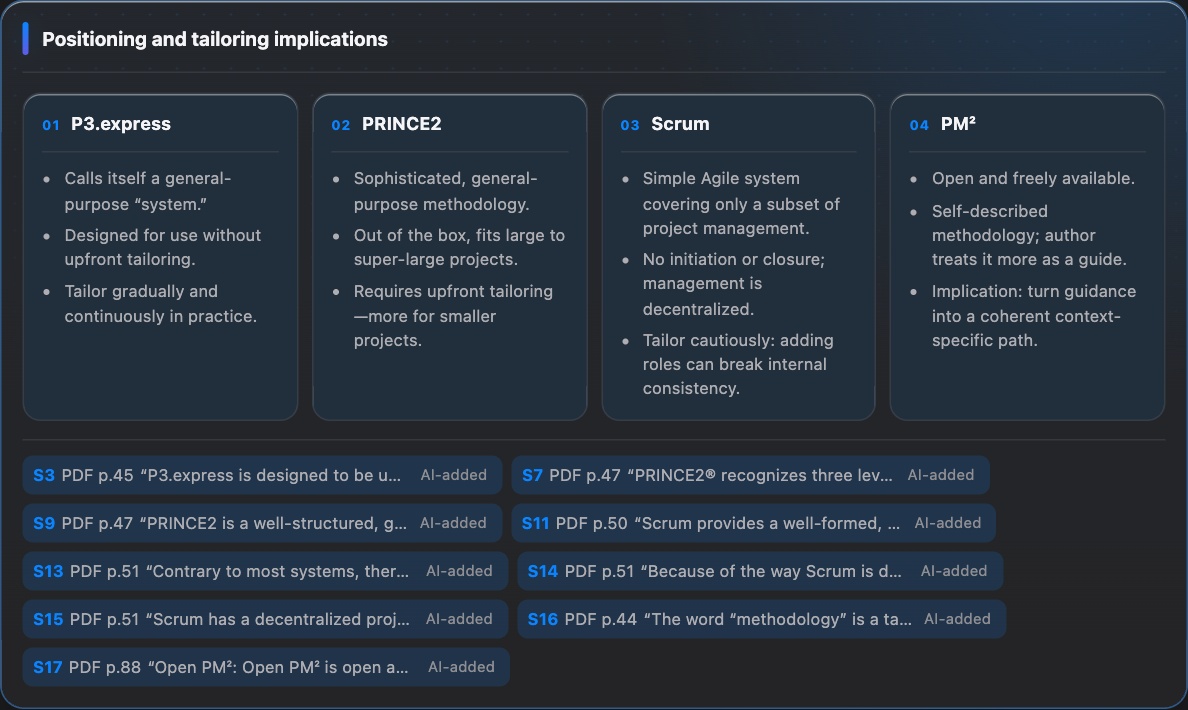
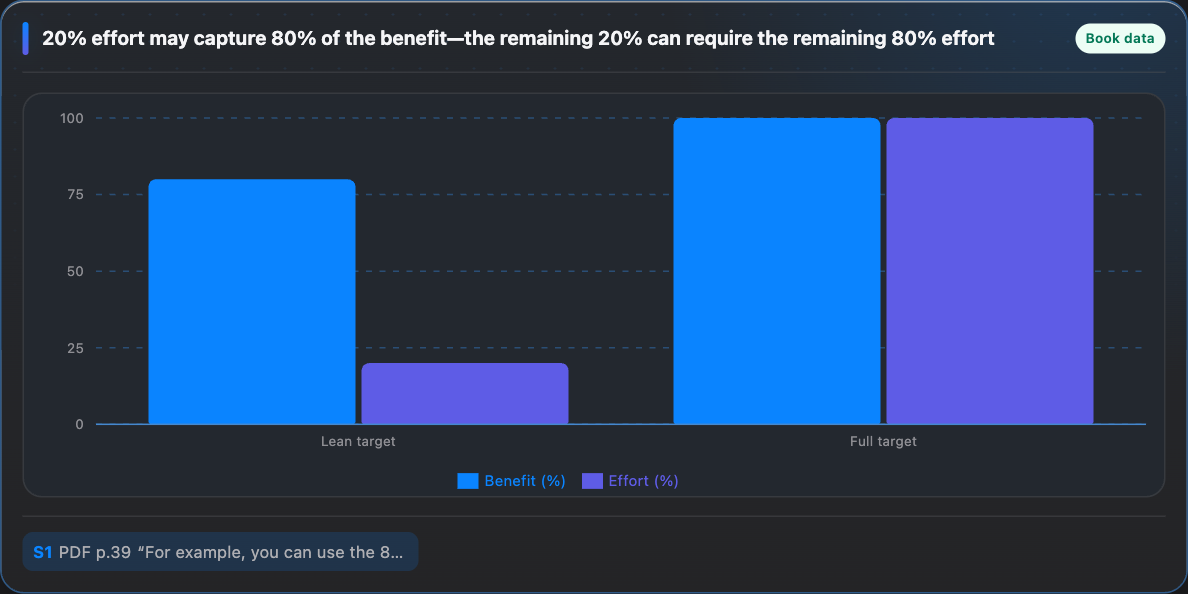
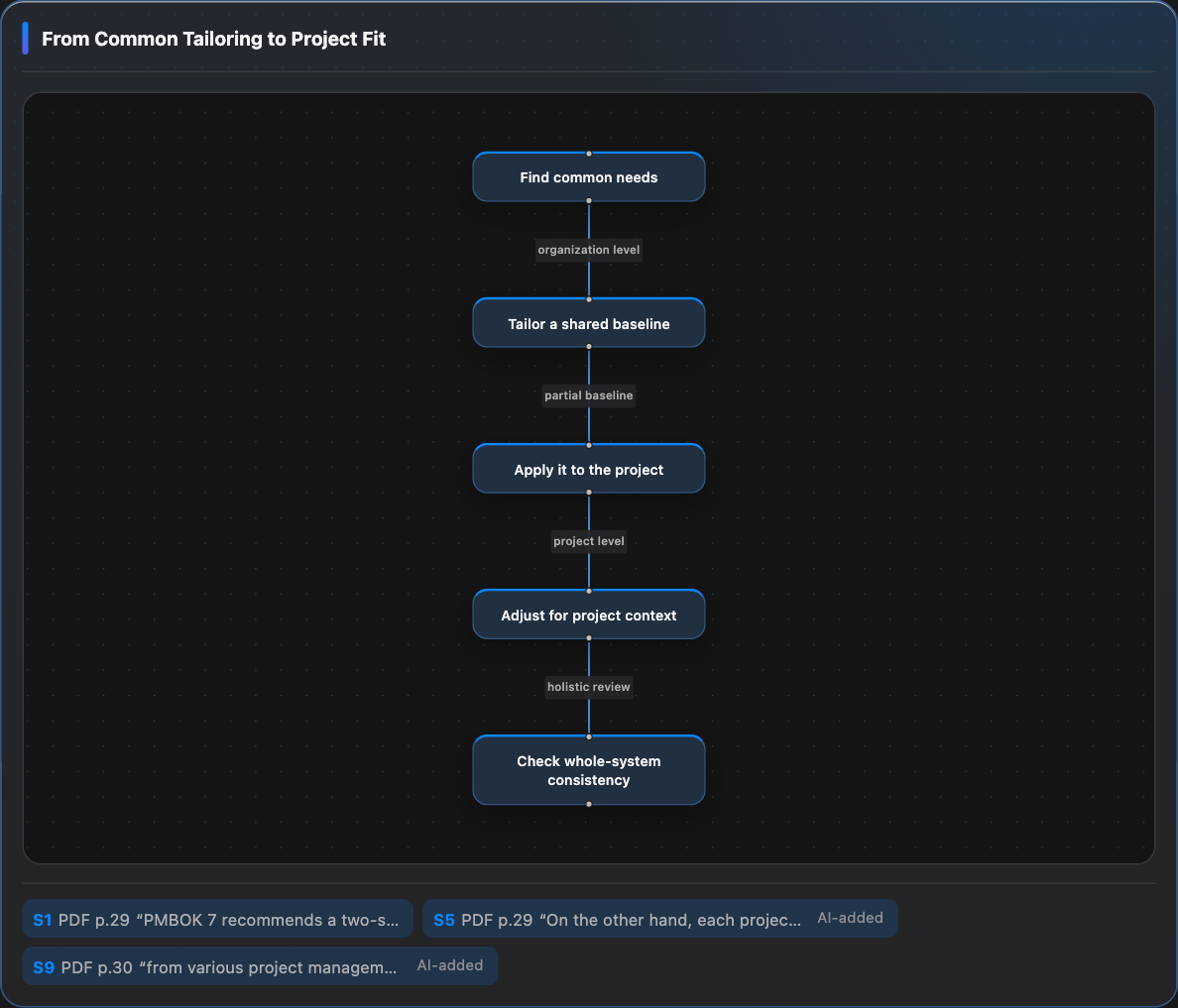
    Completed answers are retained automatically as Maps: diagrams, tables, comparisons, concise explanations, and evidence in the form that fits the idea.

Conversation is the process. The Map is the outcome.

Come back later and still know why it made sense.

A Map is more than a pretty diagram. It combines visual understanding, a concise explanation, evidence, and backlinks to the PDF so the reasoning can be reconstructed later.

Keep the evidence

Lensmap distinguishes what you selected from context added by AI. Citations lead back to the original PDF, so the explanation never becomes detached from its source.

Local-first

PDFs, indexes, Explore threads, and Maps stay local by default. Only the question and the references needed to answer it are sent to AI.

Open source · Apache-2.0

A reading companion, not a replacement reader.

Lensmap runs as a Chrome extension while Chrome’s built-in PDF Viewer remains the reading surface. Distribution for macOS Apple Silicon is planned through GitHub Releases.

The first public release is being prepared. Source code and current development are available on GitHub now.